
Technology Division
Media
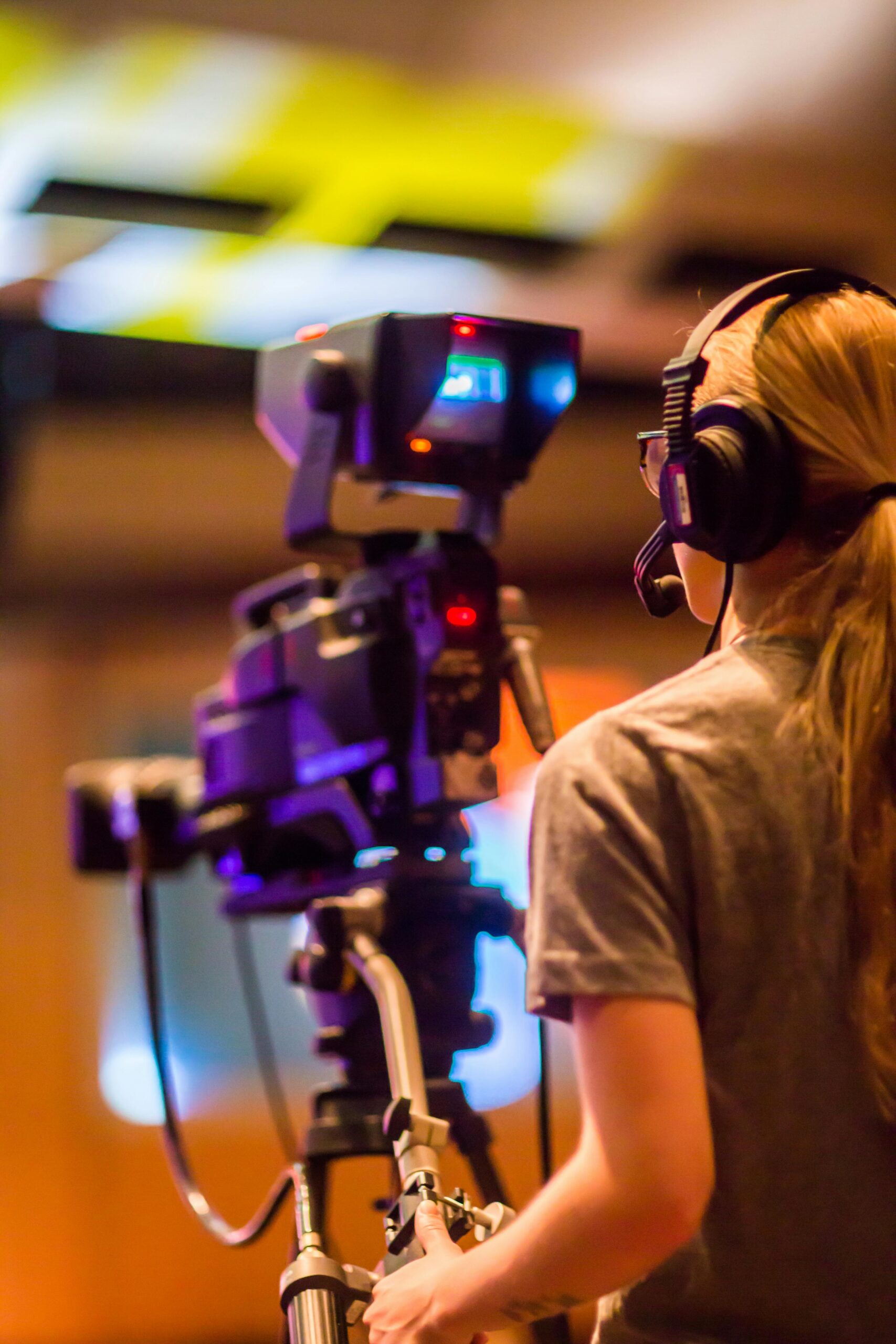
The media of our company are used to report the news to the customer by text, video, audio and images about the latest jobs to the company.
Training and Maintenances
Training means that the company can be train the employees about the installation and maintenance of the CCTV camera, computer, network device, configuration of the system.
Camera Cleaning
- Clean the camera lenses with a soft, dry cloth to remove dust and debris.
- Check for and clean any condensation or dirt inside the camera housing.
Check Connections
- Inspect all cables and connections for wear and tear.
- Ensure power supplies are stable and uninterrupted.
- Verify that all connectors are securely attached and not corroded.
System Updates
- Update firmware for cameras and DVR/NVR to the latest version.
- Update software for any connected monitoring devices or systems.
Recording and Storage
- Check that recordings are being stored correctly and that there is enough storage space.
- Test playback of recorded footage to ensure the system is capturing data correctly.
- Regularly back up important footage to external storage.
Performance Checks
- Test camera functionality and field of view, making adjustments as necessary.
- Verify that motion detection and other features are working correctly.
- Ensure that all cameras have clear and unobstructed views.
Physical Inspection
- Inspect the physical condition of cameras, mounts, and housings.
- Look for signs of damage, tampering, or misalignment.
Expertise Areas
CCTV Training
System Overview
Explain the components of the CCTV system, including cameras, DVR/NVR, and monitoring stations.
Provide a basic understanding of how the system works.
Operation
Teach how to use the DVR/NVR interface, including live view, playback, and recording settings.
Demonstrate how to adjust camera settings, such as resolution, frame rate, and motion detection zones.
Maintenance Procedures
Show how to perform routine maintenance tasks, such as cleaning lenses and checking connections.
Explain how to update firmware and software.
Troubleshooting
Provide common troubleshooting steps for resolving issues like connectivity problems, poor image quality, and system errors.
Train on how to reset the system and check logs for error messages.
Security Best Practices
Educate on the importance of using strong, unique passwords for accessing the system.
Discuss how to secure the physical equipment to prevent tampering.
Ergib International Digital Security & Escort Service PLC
Computer Systems Training
Basic Computer Skills
- Teach essential skills such as using the operating system, managing files, and basic troubleshooting.
- Provide training on how to use common software applications relevant to the organization.
Security Awareness
- Provide training on recognizing phishing attempts, malware, and other cybersecurity threats.
- Educate on the use of antivirus software, firewalls, and secure browsing practices.
Data Management
- Train on data backup procedures and the importance of regular backups.
- Educate on proper data storage and organization methods.
Software and Updates
- Show how to install, update, and manage software applications.
- Explain the importance of keeping software up to date for security and performance.
Network and Connectivity
- Explain how to connect to networks and troubleshoot connectivity issues.
- Teach basic network security practices, such as identifying secure networks and avoiding suspicious links.
Ongoing Training and Support
By implementing regular maintenance and comprehensive training, you can ensure that your CCTV and computer systems operate efficiently and securely.
01. Regular Training Sessions
- Schedule periodic training sessions to keep staff updated on new features and best practices.
- Provide refresher courses to reinforce knowledge and skills.
02. Documentation and Resources
- Maintain up-to-date manuals, FAQs, and troubleshooting guides for reference.
- Provide access to online resources, tutorials, and support forums.
03. Technical Support
- Ensure that staff know how to contact technical support for assistance with issues.
- Establish a clear protocol for reporting and resolving technical problems.
CCTV Camera
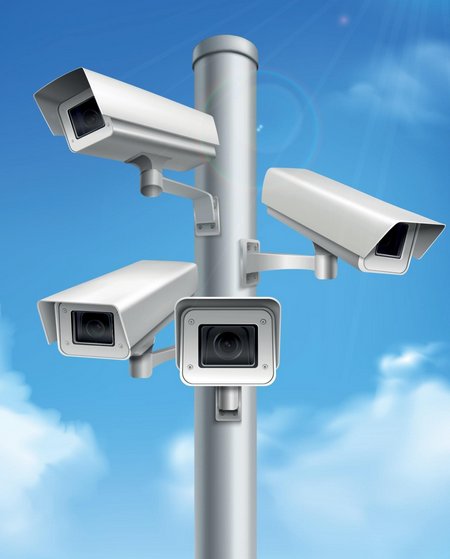
A Closed-Circuit Television (CCTV) camera is a type of video surveillance system that uses video cameras to transmit a signal to a specific, limited set of monitors. Unlike broadcast television, the signal is not openly transmitted, but rather confined to the cameras and monitors that are directly connected or linked via a private communication link. Here are key components and features of CCTV cameras.
CCTV Camera
- Camera: Captures the video footage.
- Lens: Focuses the light onto the camera sensor.
- Sensor: Converts light into electronic signals. Common types include CCD (Charge-Coupled Device) and CMOS (Complementary Metal-Oxide-Semiconductor).
- Monitors: Display the video footage from the cameras.
- Recording Equipment: Stores the footage for later viewing. This can include DVRs (Digital Video Recorders) or NVRs (Network Video Recorders).
- Transmission Medium: The method by which the video signal is transmitted, such as coaxial cable, fiber optics, or wireless transmission.
- Power Supply: Provides the necessary power for the cameras and other components.
Digital File Store
Digital store which is used to store the images and videos that are recorded by the CCTV cameras.
Types of CCTV Cameras
- Analog CCTV Cameras: Use analog signals and are typically connected using coaxial cables.
- D1 720×480 pixels
- 960H 960×480 pixels
- HD-TV1 1920×1080 pixels
- 4k 3840×2160 pixels
- IP (Internet Protocol) Cameras: Use digital signals and can be connected over a network, allowing for remote access and more flexible installation.
- 720: – 1280×720 pixels entry-level HD resolution.
- 1080: – 1920×1280 pixels full HD resolution
- 4k: – 3840×2160 pixels ultra-HD for detailed surveillance.
- 8k: – 7680×4320 pixels extremely HD resolution less common
- Ptz(pan-tilt-zoom) cameras
- Allows remote control of pan, tilt and zoom functions
Uses of CCTV Cameras
- Security: Monitoring and deterring criminal activities.
- Surveillance: Observing and recording activities for later review.
- Traffic Monitoring: Managing and analyzing traffic flow.
- Industrial Use: Monitoring industrial processes and equipment.
Features:
- Motion Detection: Detects movement and triggers recording or alerts.
- Night Vision: Uses infrared technology to capture video in low light conditions.
- High Definition (HD): Provides clearer and more detailed video footage.
- Pan-Tilt-Zoom (PTZ): Allows remote control of the camera’s view.
CCTV systems are widely used in various settings, including homes, businesses, public spaces, and government buildings, to enhance security and monitor activities.
Installation of CCTV Cameras
Planning
- Determine Coverage Area: Identify the areas you want to monitor.
- Choose Camera Types: Select the appropriate cameras (e.g., dome, bullet, PTZ) based on the environment.
- Plan Camera Locations: Consider visibility, lighting, and field of view. Avoid direct sunlight and obstructions.
Mounting the Cameras
- Install Mounting Brackets: Attach the brackets to walls, ceilings, or other surfaces using screws and anchors.
- Attach Cameras: Secure the cameras to the mounting brackets.
- Adjust Angles: Adjust the cameras to cover the desired area.
Wiring
- Run Cables: Use coaxial cables for analog cameras or Ethernet cables for IP cameras. Ensure the cables are hidden and protected.
- Connect to Power Supply: If cameras require separate power, connect them to a power source.
- Use PoE (Power over Ethernet): For IP cameras, PoE can supply power and data through a single Ethernet cable.
Connecting to the DVR/NVR
- Connect Cameras to DVR/NVR: Use the appropriate cables (BNC for analog, Ethernet for IP) to connect the cameras to the DVR/NVR.
- Connect DVR/NVR to Monitor: Use HDMI or VGA cables to connect the DVR/NVR to a monitor for viewing footage.
Configuration of CCTV Cameras
By following these steps, you can effectively install and configure CCTV cameras to enhance security
and surveillance in your desired area.
Initial Setup
- Power On: Turn on the cameras and DVR/NVR.
- Login to DVR/NVR: Use default credentials (usually provided in the manual) and change the default password for security.
Camera Configuration
- Add Cameras: For IP cameras, ensure they are detected by the NVR. For analog, ensure they are correctly connected.
- Adjust Settings: Configure resolution, frame rate, and recording mode (continuous, motion detection, scheduled).
- Set Motion Detection Zones: Define specific areas where motion detection should be active.
Network Configuration
- Assign IP Addresses: For IP cameras, assign static IP addresses to avoid conflicts.
- Configure Network Settings: Set up the DVR/NVR to connect to your network, including IP address, subnet mask, gateway, and DNS.
Remote Access
- Enable Remote Viewing: Configure the DVR/NVR for remote access via a mobile app or web browser.
- Port Forwarding: Set up port forwarding on your router to access the DVR/NVR from outside your local network.
- DDNS: Use Dynamic DNS services if your ISP provides a dynamic IP address.
Testing and Final Adjustments
- Test Cameras: Check each camera’s feed for proper coverage and adjust angles if necessary.
- Check Recordings: Ensure that the recording settings are working correctly and footage is being stored.
- Backup Settings: Save the configuration settings to a backup file for future reference.
Tips for Successful Installation and Configuration
- Quality Cables and Connectors: Use high-quality cables and connectors to ensure reliable connections and minimize signal loss.
- Proper Lighting: Ensure adequate lighting in the surveillance areas for better image quality.
- Regular Maintenance: Periodically check and clean the cameras and lenses to maintain image clarity.
- Secure Equipment: Secure all equipment to prevent tampering or theft.